

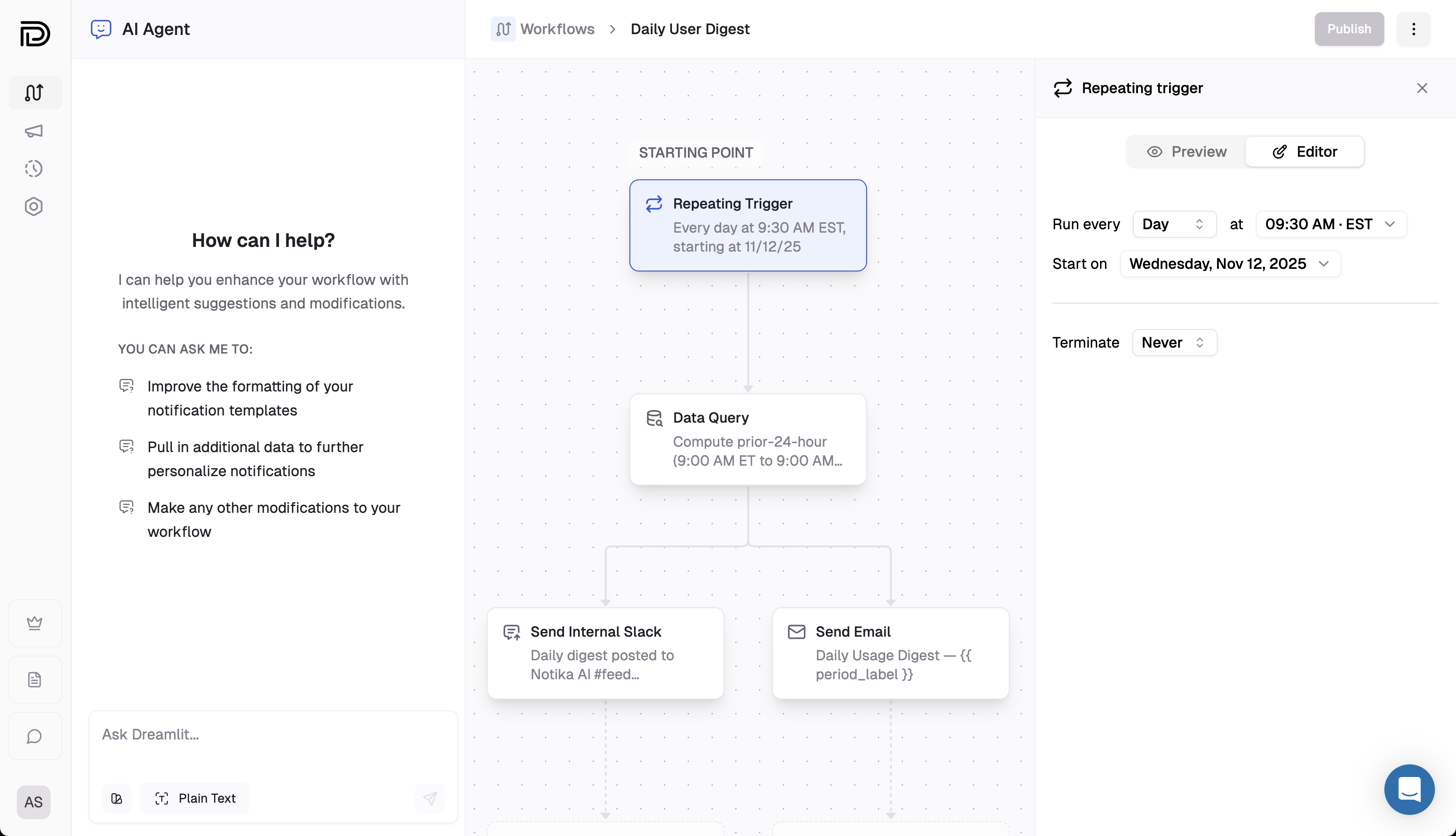
Example: A daily digest running at 9:30 AM in EST.
Breakdown
Choose a cadence
Run on a daily, weekly, or monthly schedule. For weekly runs, pick the weekdays to include. For monthly runs, choose a specific calendar day or use an “nth from the end” rule for flexible month-end timing.
Set start time & timezone
Set the start date for the first run plus a local send time (hour, minute, AM/PM) and an IANA timezone (e.g., America/New_York). Dreamlit schedules future runs in that timezone automatically.
Add an end condition (optional)
Keep the workflow running indefinitely or provide a cutoff date/time to stop scheduling new runs.
The repeating trigger does not output any row data. Add a Data Query step right after it to load recipients or other context before sending notifications.
Explore further
Workflow basics
Learn how triggers, steps, and data flow connect in Dreamlit.
Data Query step
Fetch the audience or context you need right after the trigger.