

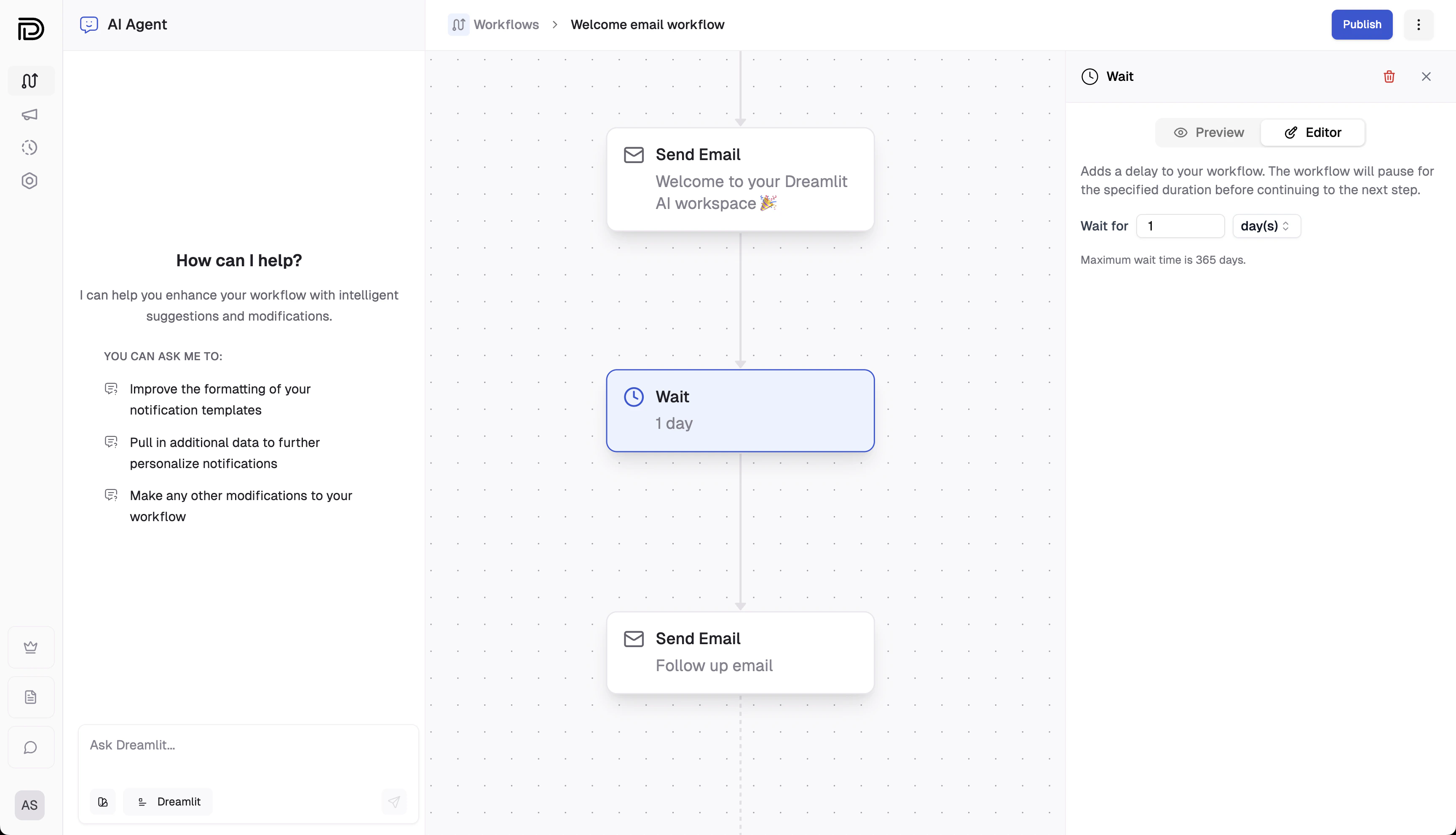
Example: Wait for 1 day before proceeding to the next step.
Note: The Wait step passes through the same input data to subsequent steps
after the delay. It’s designed solely to pause the workflow’s execution
without transforming the data.
Dynamic waits (coming soon)
Soon, you’ll be able to add dynamic waits to your workflows: instead of using a fixed delay, you can set the wait duration based on input data—for example, by running a SQL query to determine the wait time (e.g., “wait until 1 month before the expiry date”). This makes your scheduling even more flexible.Explore further
How it works
Learn about the real-time scheduling and robust processing architecture
behind Dreamlit.
Publishing workflows
Discover how publishing your workflow activates your configured
steps—including any delays.